
Chemical Industry CRM: How Tycan Helps Manufacturers and Distributors
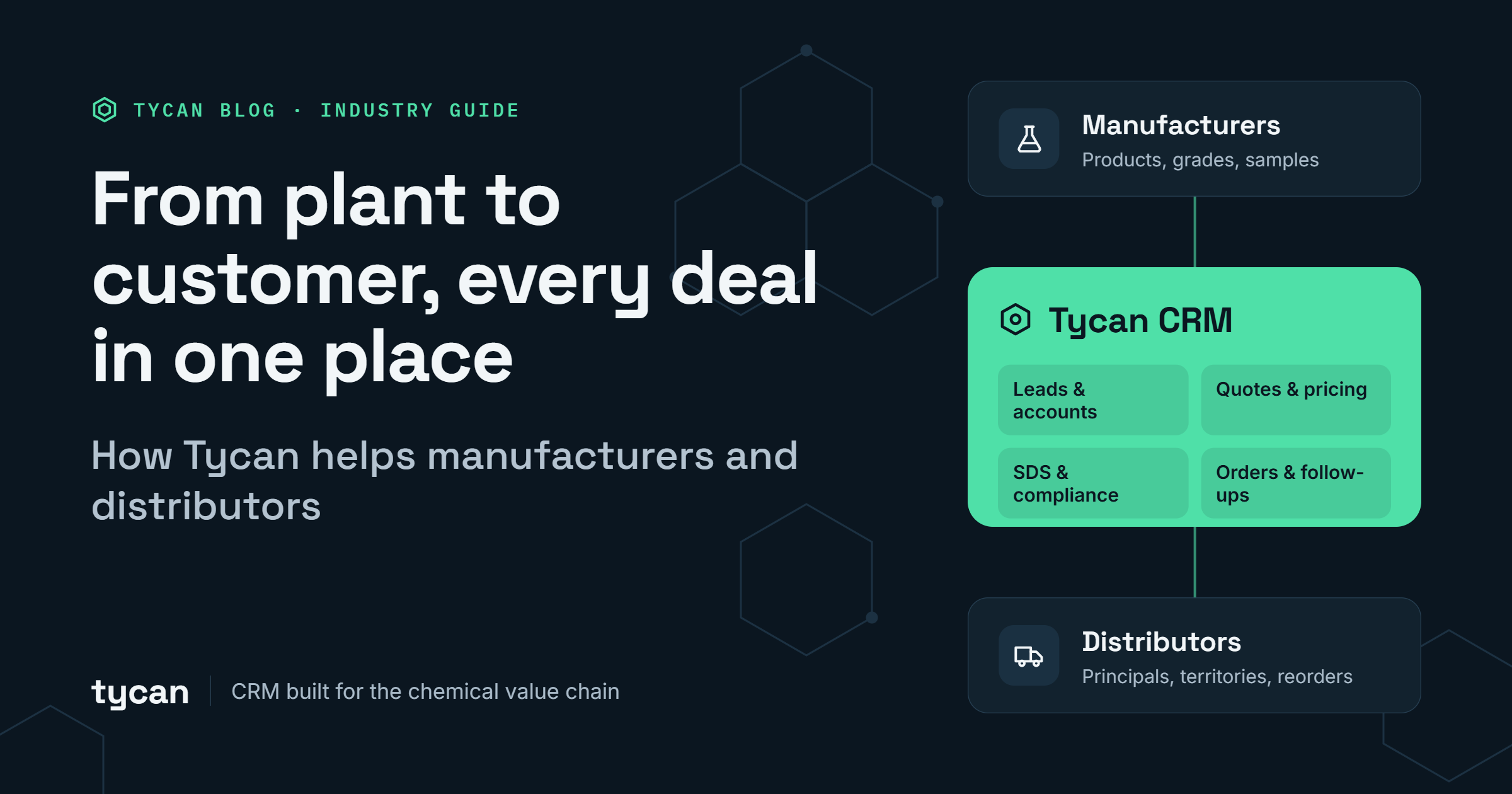
More than 80% of basic and speciality chemicals are consumed by industrial customers. They require the right product information, samples, pricing, documentation, and order status.
Each of those answers usually tend to reside in different places. Sample feedback in rep’s inbox,stock in your erp,safety docs in a shared folder.A simple task turns into a scrambled search.,For SDS the search matters even more because it has to be provided under rules such as the OSHA Hazard Communication Standard in the US and REACH in the EU.
Most CRMs were built to track contacts and deals. In chemical sales, that’s only half the picture. A rep also needs to know which grade the customer trialled, which batch the sample came from, and whether the latest SDS went out with it. Tycan builds CRM for chemical industry that keeps products, samples, SDS and CoA, inventory, quotes and orders in one place. It connects to the ERP you already run, so stock levels and order history show up in the CRM without anyone typing them in twice. Your ERP stays as it is.
For teams comparing CRM for chemical industry options, the useful question is whether a customer request can be followed from the first inquiry to the final order.
What Should CRM for Chemical Industry Actually Do?
A connected sales platform links each step to the same customer and product record. Tycan supports this journey through 17 CRM modules designed for everyday chemical sales tasks:
- Capture demand: Record leads, assign owners, and schedule follow-ups so inquiries stay visible.
- Support product decisions: Connect product, grades and codes pack sizes, sample requests, sample feedback and SDS/TDS/CoA documents.
- Build quotes with context: Link opportunities to products, pricing information, and margin reviews.
- Process orders: Use ERP-backed inventory data and AI-assisted customer purchase-order handling to prepare orders for review.
- Help customers after the sale: Offer repeat orders, invoices, grades and codes documents, and delivery updates through a self-service portal.
Tycan keeps sales activity connected to operational information while the ERP remains the system of record.
A good test of CRM for chemical industry solutions is whether sales and order teams can work from the same product details.
Why Tycan's Chemical Industry CRM Software Is Built Around Real Customer Questions
Buyers ask, “Is this grade available?” “Where is my sample?” “Can you resend the CoA?” Tycan helps staff find the details behind each answer.
Customers shouldn't have to send several emails just to check a sample, confirm stock, or get an order update. Here's how Tycan helps your team handle these everyday requests.
| What the customer or team needs | How Tycan helps | Practical value |
| “Who is following up on my inquiry?” | Leads & Follow-up records the owner, stage, score, and next action. | Reps can see what needs attention. |
| “Has my sample been shipped?” | Samples Management tracks requests, dispatch, delivery, and follow-ups. | Sales and warehouse staff use the same record. |
| “Is this the correct product and pack size?” | Products stores ERP item codes, CAS numbers, packaging, and product history. | Quotes begin with clearer item details. |
| “Can you supply this quantity?” | Inventory Sync shows ERP stock by warehouse; the Inventory Check Agent checks availability before an order. | Staff can spot stock issues sooner. |
| “Where are my SDS and CoA?” | Compliance links current documents to products and accounts. | Documents are easier to find and share. |
| “Can you approve this price?” | Margin Guardrail flags below-threshold pricing; Margin Dispute records who approved and why. | Pricing exceptions have a visible approval path. |
| “Can I reorder without another email?” | Customer Self-Service supports repeat orders, invoice downloads, documents, and delivery tracking. | Buyers can handle routine requests themselves. |
These capabilities show why a sales platform must cover more than contact management.
When reviewing chemical industry CRM software, ask to see these answers in a real customer record, not just on a feature list.
CRM for Chemical Manufacturers: Keep Product Trials Moving
Manufacturers often need to manage product questions, sample tests, feedback, and quotes before receiving an order.
Tycan's CRM for chemical manufacturers makes that path easier to follow.
Imagine a Coatings manufacturer requests a resin sample. The rep records the account, product, quantity, and delivery contact in Tycan.
Tycan tracks preparation, dispatch, and delivery. The rep sets a reminder to follow up on the customer’s lab results for test results. Once the lab trial passes, the sample can become an opportunity, carrying over its account and product details.
The manager sees the opportunity in the pipeline. The rep prepares a quote with items, terms, and margin data.
If the account changes hands, the next rep should understand the product trial without digging through old emails. For teams comparing CRM for chemical manufacturers, the question is simple: can every sample have an owner, a status and a next step?
Know which product is being discussed.
Tycan's Products module shows CAS numbers, ERP item codes, packaging, product hierarchy, revenue, volume, and margin.
CRM for chemical industry can also bring these details into pipeline reviews. Managers do not have to judge an opportunity only by its expected value. They can see the product behind the deal.
If you're assessing CRM for the chemical industry systems, ask how clearly they link each sample and quote to the correct product grade.
Move new buyers through onboarding.
Even after a customer is ready to place an order, there may be a few things left to sort out, such as payment terms or account approval. With Tycan, your team can keep track of customer details, required documents, and pending approvals in one place. Once everything is approved, the customer account is linked to the existing ERP records.
That's a practical reason to choose CRM for a chemical manufacturer with linked onboarding. The next sale does not have to wait for the last approval email.
CRM for Chemical Distributors: Answer Buyers Faster and Keep Orders Clear
Distributors handle repeat orders, stock questions, revised quotes, and invoice requests every day.
Tycan's CRM for chemical distributors helps sales and the order desk answer those questions from the same information. Tycan goes beyond storing contact records.
Imagine a buyer emails a PDF purchase order for a solvent with their own product code. The order desk must confirm the item, quantity, price, and stock.
With Tycan's AI Order Management, the PO Reader Agent extracts the order details and helps match products and the customer, even when the buyer uses their own codes. The Order History Agent uses previous orders to help fill recurring details. The Inventory Check Agent checks availability in the ERP ERP availability. The Margin Guardrail Agent flags prices below a set threshold.
The team reviews the draft sales order before it is confirmed. Tycan also creates the [bill of lading / CMR] in one click, notifies the transporter and updates delivery-status. These steps can reduce repeated data entry, while keeping a person in charge of the final review.
With Tycan, the same purchase order can move from receipt to review in a matter of minutes without repeated manual entry.
Give buyers a place to help themselves.
Tycan offers a customer portal where buyers can place and repeat orders, download invoices and SDS/CoA files, and check delivery status. The portal is tied to each customer's account and document access.
Here, Tycan's connected workflows support everyday customer service as well as routine sales tracking.
Teams comparing CRM for chemical distributors can try the portal with a buyer account and a common repeat-order request.
Tycan AI Order Management: What Does It Actually Save?
In chemical industry CRM, order handling shapes the customer experience. A common reason to improve the order process is the time spent converting purchase orders into sales orders. Tycan focuses directly on that work. The goal is to help staff review exceptions before they approve an order.
At a specialty chemicals distributor using Tycan, AI order handling cut the time per order from 15–30 minutes to 3–5 minutes, around 80% faster.
Test your own order formats, exceptions and review steps during the demo.
That gives you a practical way to compare CRM for the chemical industry offerings without relying only on published speed figures.
Chemical Industry CRM Software That Works With Your Existing ERP
Your ERP may already manage inventory, invoices, and core customer data.
Tycan sits above the ERP and syncs orders, inventory, invoices, and master data. In its Accounts 360° module, ERP customer records remain read-only in the CRM, while prospect records can be created and managed there. This keeps a clearer line between the system of record and sales activity. CRM for the chemical industry helps sales teams see important details without duplicating ERP records.
What does that look like for your team?
- Sales: Check accounts, pricing, stock, quotes and next actions all in one place.
- Customer service: find your orders, invoices, documents and delivery information.
- Managers: Revenue, gross margin, pounds sold, pipeline and overdue follow-ups.
- Operations: work from purchase orders (incoming), stock checks and approval requests.
Adopting CRM in the chemical industry is easier to plan when you keep your existing ERP.
During a demo, chemical industry CRM software should make clear which fields come from the ERP and which actions are handled in Tycan.
During setup, Tycan maps which data syncs, how often and in which direction, so your team knows exactly what lives where.
Why CRM for Chemical Industry Needs Document and Pricing Controls
Finding the right SDS is not just a convenience. For hazardous chemicals in the US, OSHA requires manufacturers, importers, and distributors to provide safety data sheets to downstream recipients under its Hazard Communication Standard. Similar rules apply under REACH in the EU and in most countries that follow the UN’s GHS
Tycan's Compliance module links SDS, technical data sheets (TDS), and certificates of analysis (CoA) to product and account records. Current files are served while older versions remain in the record. Customers can also access relevant files in the portal.
CRM for chemical industry can make those documents easier to find. It cannot replace the company's duty to create accurate records or meet applicable rules.
Pricing matters just as much. A rep may want to win a deal, but a low quote may need management review. Tycan's Margin Guardrail Agent flags below-threshold pricing before confirmation, while Margin Dispute keeps the requested exception and decision visible.
For manufacturers and distributors alike, this puts document and pricing decisions in one shared record, so nobody has to search old emails to find out which SDS went out or who approved a price.
How Tycan Helps Managers See What Needs Attention
Tycan helps sales managers track team performance, identify pending tasks, and make informed decisions through:
- Pipeline visibility: Track opportunities, deal stages, expected revenue, and win probabilities.
- Follow-up tracking: Use My Desk to track your open leads, overdue tasks and pending approvals.
- Sales performance: Revenue, gross margin, pounds sold and per pound sales.
- Detailed reports: Filter sales data by account, by product, by region or by sales rep.
- Approvals: Review price exceptions, new account onboarding, stocking requests and commission runs from one queue
- Account health: See which accounts are growing, slowing or at risk
With Tycan's chemical industry CRM software, managers get a clearer view of daily sales activities. This is where CRM for chemical industry can help: tracking progress, spotting delays, and setting priorities.
For managers evaluating CRM for the chemical industry systems, the most useful reports are those that show which customer accounts need attention next.
How to Decide Whether Tycan Fits Your Business
Choose CRM for chemical industry needs based on how your team works. The best test is not a polished screen but a real situation from your business.
Bring a sample request and purchase order to the demo. Check:
- The full account view. Can the rep find contacts, sales notes, opportunities, pricing, and prior orders?
- A sample from request to feedback.. Can your team see its status, document link, feedback, and next action?
- Your documents. Can staff find the correct SDS, TDS, and CoA for a product?
- Purchase order. Does AI extraction identify your products and quantities correctly? What happens when something does not match?
- Stock pack sizes and price exceptions. Can one product carry different prices by pack size? Where does an approval appear, and who can confirm the order?
- The customer portal. Can a buyer repeat an order and download the right invoice?
- ERP integration. Which fields sync, who owns each record, and what happens when data conflicts?
For CRM in the chemical distributor space, the emphasis should be on order volume, warehouse checks, and customer self-service. For manufacturers, the emphasis should be on sample history, product detail, onboarding, and the quotation process.
What Does Tycan Cost and How Is It Implemented?
Tycan is priced to fit each business, based on users, modules, AI agents, ERP scope and order volume. There’s a one-time implementation fee and an ongoing subscription.
Most teams go live in 4–6 weeks. Your exact timeline depends on your ERP, data, workflows and training needs, and Tycan will confirm it during the process review.
When comparing chemical CRM software, look at the full cost, not just the subscription: integration, onboarding, support and any planned additions.
FAQs
- What makes Tycan's CRM for the chemical industry different?
Tycan connects standard sales activity with chemical-specific product records, sample requests, SDS/TDS/CoA documents, ERP stock, and AI-assisted sales orders. It is designed around the customer and order lifecycle.
- Is Tycan suitable as a CRM for chemical manufacturers?
Yes, Tycan offers sample tracking, opportunity management, quotes, product records, and new-customer onboarding so manufacturers can follow each sample from request to the customer’s trial results and first order.
- How does Tycan work as a CRM for chemical distributors?
It provides ERP stock visibility, AI assisted purchase order handling, price and margin checks, a shared customer record and a self service portal. Each business must check their own integration and order requirements.
- Does Tycan's chemical industry CRM software replace an ERP?
No. Tycan connects to your existing ERP, which remains the system of record. Integration details depend on your setup
- Can Tycan guarantee faster order processing or compliance?
No software can guarantee it, but at a specialty chemicals distributor using Tycan, order handling time fell from 15–30 minutes to 3–5 minutes per order. Document features help organize and share records, but each business remains responsible for its own compliance.
- Can buyers use Tycan without contacting a sales rep?
For supported self-service tasks, yes. Tycan's customer portal lets buyers reorder, view invoices, download documents, and check delivery updates.
- How does Tycan help sales teams manage leads and follow-ups?
Tycan brings leads, contacts, and tasks into one place. Its Lead Scoring Agent helps reps prioritize inquiries. My Desk highlights pending work and overdue follow-ups.
- Can Tycan simplify new customer onboarding?
Tycan tracks customer details, documents, payment terms, and approvals. After approval, teams can connect the account with the ERP customer record.
- How does Tycan support product stocking requests?
Tycan records products, requested quantities, and customer-demand details for managers to review. Managers can review requests alongside ERP stock information before deciding how to proceed.
- Can Tycan help managers review sales performance?
Tycan's dashboard shows revenue, gross margin, sales volume, and pipeline activity. Managers can filter results by rep, product, account, or region to find accounts needing attention.
- Can we bring our existing spreadsheet data into Tycan?
Yes. Tycan’s team imports your existing data for you during implementation, and cleans it up first by removing duplicates and filling gaps. Where your ERP offers an API, customer and product master data syncs directly from the ERP, so nothing needs to be re-entered.
Put Tycan to Work Across the Customer Journey
Customers want fast answers, accurate documents, and reliable orders.
That's the practical value of CRM for the chemical industry: keeping everyday chemical sales work connected. Tycan connects the first inquiry with samples, quotes, product data, inventory checks, order processing, and customer self-service.
If your team is comparing CRM for chemical manufacturers or CRM for chemical distributors, ask to see the work your people do every day—not just the features on a list.
Explore Tycan and request a demo to see how its CRM and AI order workflows could fit your business.
See Tycan on your own data
Book a walkthrough and we'll show the CRM platform, AI agents and AI Order Management working the way a chemical business runs — or see pricing.
Book a demo