
We Tried a Generic CRM for Chemical Sales. Here Is Where It Broke
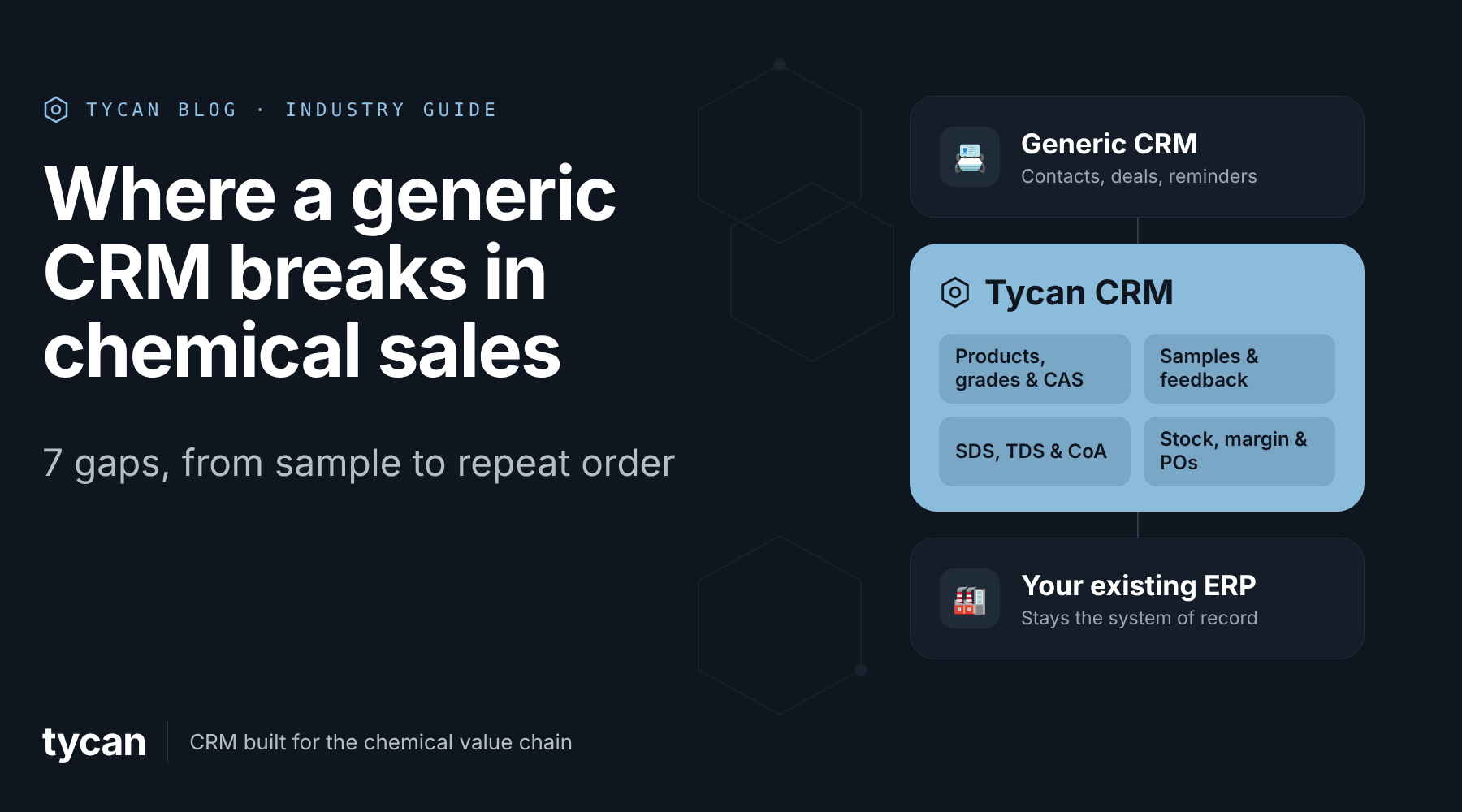
What if your CRM is making chemical sales harder instead of easier? A 2025 study surveyed 2,500 chemical buyers across 12 countries. Its findings point to a growing preference for reliable service and consistent performance over extra features. Reliable delivery and technical support were among their leading priorities. That is difficult when sales, stock, samples and documents sit in separate systems. For teams evaluating chemical industry CRM software, that gap is worth checking.
Imagine a coatings manufacturer requesting a specific resin grade for testing. The buyer later needs a safety data sheet, quote and delivery date. A basic CRM can record the opportunity. But can it follow the full request? That is a useful test of chemical sales management software.
The limitations of a generic CRM for chemical sales become clear when a customer inquiry turns into an order. Simple tasks like checking product grades, tracking samples, confirming stock and finding safety documents can involve too much manual work. At Tycan, these everyday sales activities are brought together without replacing the existing ERP system.
Why a Generic CRM May Look Suitable at First
Contact records, reminders, opportunity stages and sales forecasts are useful. Some general-purpose CRMs also support product catalogs, quotes, approvals and integrations. The question is whether teams can answer chemical sales questions without separate tools.
Imagine a chemical distributor receiving an inquiry for 500 kg of solvent. The CRM tracks the deal, but the rep still needs to check the ERP for stock, find the latest SDS and confirm the delivery date. These details may sit in different systems.
Tycan connects product details, compliance documents and ERP-backed inventory with customer records, helping sales teams find answers without switching between systems.
Follow the request through seven pressure points.
Chemical industry CRM software: 7 Gaps That Appear During a Chemical Sales Order
1. The Product Record Did Not Identify the Correct Grade
The buyer asks for a particular resin grade in 25 kg bags. A deal labelled “resin inquiry” does not tell the rep which ERP item code or pack size to quote. Even a chemical identifier is not always enough to distinguish commercial grades and packaging.
Tycan's Products module keeps CAS numbers, ERP item codes, packaging and product history in a structured catalog. Samples, quotations and orders refer to the same record, helping staff confirm the requested material before sending a price.
For teams considering chemical sales CRM software, the first test is whether the product in the quote matches the customer's trial sample. Buyers reviewing CRM for chemical industry needs should start with that product match.
2. The Sample Request Became a Task With No Clear Status
The rep logs “send resin sample.” But the warehouse must prepare it, the buyer must receive it, and the lab may take days to report results. A reminder alone does not show what happened.
Tycan's Samples Management connects three steps:
- Request: Record the account, product, quantity and receiving contact.
- Delivery: Track preparation, dispatch and arrival on one sample record.
- Feedback: Set a follow-up and link a successful trial to an opportunity.
This is particularly useful for CRM for chemical manufacturers. If the account changes hands, the next rep can see the trial history rather than starting another email search.
3. Safety Documents Were Attached, but Not Easy to Verify
The customer asks for an SDS, technical data sheet (TDS) and certificate of analysis (CoA). A document might be attached to a deal, but staff still need to check its product link and version. Sending the wrong file can delay a trial or order. Document access is another reason to test chemical industry CRM software with a real product.
Official guidance on chemical safety data sheets explains that they describe hazards, storage, handling and emergency measures. Up-to-date sheets must be supplied in specified circumstances.
Tycan's Compliance module links SDS, TDS and CoA files to products and accounts. Staff can access current documents while older versions remain on record. The company still has to ensure the information is correct and meet applicable rules. In an industry-specific CRM vs generic CRM comparison, check whether document history stays linked to the product.
4. A Won Opportunity Could Not Confirm Warehouse Stock
After approving the sample, the buyer requests two tonnes. The pipeline shows the potential revenue, but the rep needs to know which warehouse can fulfill the order. Without ERP integration, that means another lookup or message to operations.
With Tycan, three pieces work together:
- Inventory Sync: Shows ERP-backed stock by product and warehouse.
- Inventory Check Agent: Checks availability as an order is prepared.
- Existing ERP: Remains the system of record for inventory and order data.
For CRM for chemical distributors, this is a practical difference. The rep can check availability before promising a shipment date, instead of relying only on the opportunity record.
5. A Discount Needed a Manager, but the Approval Was Elsewhere
The buyer asks for a better price to place the first order. The rep can revise the quote, yet a lower price may fall below the company's margin rule. If the approval happens in an inbox, the next person may not know who agreed to it.
Tycan's Margin Guardrail Agent flags below-threshold pricing before confirmation. Margin Dispute records the exception, the approver and the decision. This puts pricing discussions beside the order instead of leaving them scattered across messages. For chemical sales management software, the approval trail matters as much as the revised quote.
A generic CRM can support custom approval rules, but those rules must be configured and connected to the correct product and order values.
6. The PDF Purchase Order Still Needed Manual Entry
The customer emails a PDF purchase order using their own item codes. The order desk must match products, check quantities and terms, confirm stock and create the sales order. Closing the CRM opportunity has not removed this work. Teams evaluating CRM for chemical distributors should check how customer POs reach the order desk.
Tycan's AI Order Management helps with these steps:
- PO Reader Agent: Extracts products, quantities and terms from the incoming order.
- Order History Agent: Uses previous purchases to fill recurring details.
- Inventory and margin checks: Flag issues for staff to review before confirmation.
At a specialty chemicals distributor using Tycan, order handling fell from 15–30 minutes to 3–5 minutes per order. Your own purchase orders, especially the ones with exceptions, are the right test.
7. Repeat Buyers Still Returned to the Sales Inbox
After delivery, the buyer requests an invoice, another CoA and a repeat order. The generic CRM may record those questions, but the sales team still has to answer each one if the customer cannot access the information.
Tycan's Customer Self-Service portal supports repeat ordering, invoice downloads, relevant SDS and CoA files, and delivery updates. Routine requests stay connected to the customer's account.
For chemical industry CRM software, the question is whether customer service can use the same order and product history as sales.
Generic CRM vs. Chemical Sales CRM: What Should You Check?
| Customer request | Basic CRM setup | How Tycan helps |
| “Is this the right grade?” | Product fields may need extra setup | Chemical catalog and ERP codes |
| “Where is my sample?” | Tasks or separate updates | Sample status and follow-ups |
| “Can you send the SDS?” | Attachments or shared folders | Product-linked documents |
| “Is stock available?” | Separate ERP lookup | Warehouse-level inventory view |
| “Who approved this price?” | Configured approval workflow | Margin checks and decision history |
| “Can you enter my PO?” | Manual entry or added tools | AI-assisted draft order |
| “Can I reorder?” | Rep or customer service request | Customer self-service portal |
Compare how many steps a buyer request takes and what needs configuring.
Chemical industry CRM software: How to Evaluate a CRM for Chemical Manufacturers and Distributors
Share a real sample request and a recent customer purchase order before the demo, so the vendor can show how their system handles your own documents. Ask the vendor to demonstrate:
- Product accuracy: The grade, pack size and ERP item code on the same record.
- Sample follow-up: Request, delivery, lab feedback and next action.
- Document access: The current SDS or CoA for the specific product.
- Stock and pricing: Warehouse availability and a visible discount approval.
- Order review: What happens when a PO code cannot be matched.
Manufacturers should test trials and documents; distributors, repeat orders and stock. Both should ask which data remains in the ERP. A CRM for chemical industry evaluation should also cover how data conflicts are handled.
To understand how a specialized platform handles these requirements across the entire customer journey, explore our guide to CRM for chemical manufacturers and distributors and the capabilities offered by Tycan.
FAQs
1. Can a generic CRM handle chemical sales?
Partly. It handles contacts, deals and reminders well. Samples, product grades, pack sizes, safety documents and ERP stock usually need extra setup or separate tools, which is where most chemical teams run into problems.
2. Why do chemical sales teams need product grades?
The same product can come in several grades and pack sizes, each with its own item code, price and lead time. If the CRM only knows the product name, reps can quote the wrong grade or pack, and the error often isn’t caught until the order reaches the warehouse.
3. What should sample management track?
The request, product and quantity, dispatch and delivery, the customer’s trial feedback, the owner and the next follow-up date. That way no sample goes quiet, and anyone can pick up the account.
4. Can a generic CRM store SDS and CoA files?
It can store them as attachments. The harder part is keeping each SDS linked to the right product and version, and each CoA linked to the right batch, so your team sends the correct file every time.
5. Does Tycan replace an ERP?
No. It connects with the existing ERP, which remains the system of record.
6. Can Tycan show warehouse stock?
Yes. Inventory Sync shows stock from your ERP by product and warehouse, so reps can check availability before promising a delivery date.
7. How does Tycan handle price exceptions?
The Margin Guardrail Agent flags any price below your margin threshold before the order is confirmed. The approval, the approver and the reason are recorded, so nobody has to search emails later.
8. Can AI read customer purchase orders?
Tycan’s PO Reader Agent reads incoming PDF purchase orders, matches the products and customer, and prepares a draft sales order. Your team always reviews it before it’s confirmed.
9. Can buyers place repeat orders themselves?
Tycan’s customer self-service portal lets buyers place repeat orders, download invoices and documents, and check delivery status themselves, freeing up your reps to focus on selling.
10. What affects chemical CRM pricing?
Tycan doesn’t use fixed price plans. You get a price based on your users, modules and ERP setup, with a one-time implementation fee and an ongoing subscription.
Find Out Where Your Current CRM Leaves Work Behind
A generic CRM may handle the first inquiry well. The harder work comes when samples, product grades, safety documents, stock, pricing and orders need to stay connected. That is the practical test for chemical industry CRM software.
Tycan links those everyday chemical sales tasks to the customer record without replacing the ERP. Request a Tycan demo and test the workflow using your own sample request or purchase order.
See Tycan on your own data
Book a walkthrough and we'll show the CRM platform, AI agents and AI Order Management working the way a chemical business runs — or see pricing.
Book a demo